Step 5 - Set the parameters for activation key, log mode and target system
- Go to SAP Gui transaction
ZFACENADMINand press the button labeled2. Edit configuration. Pressing the button will open a maintenance view for tableZNYPEFACEN_SC:
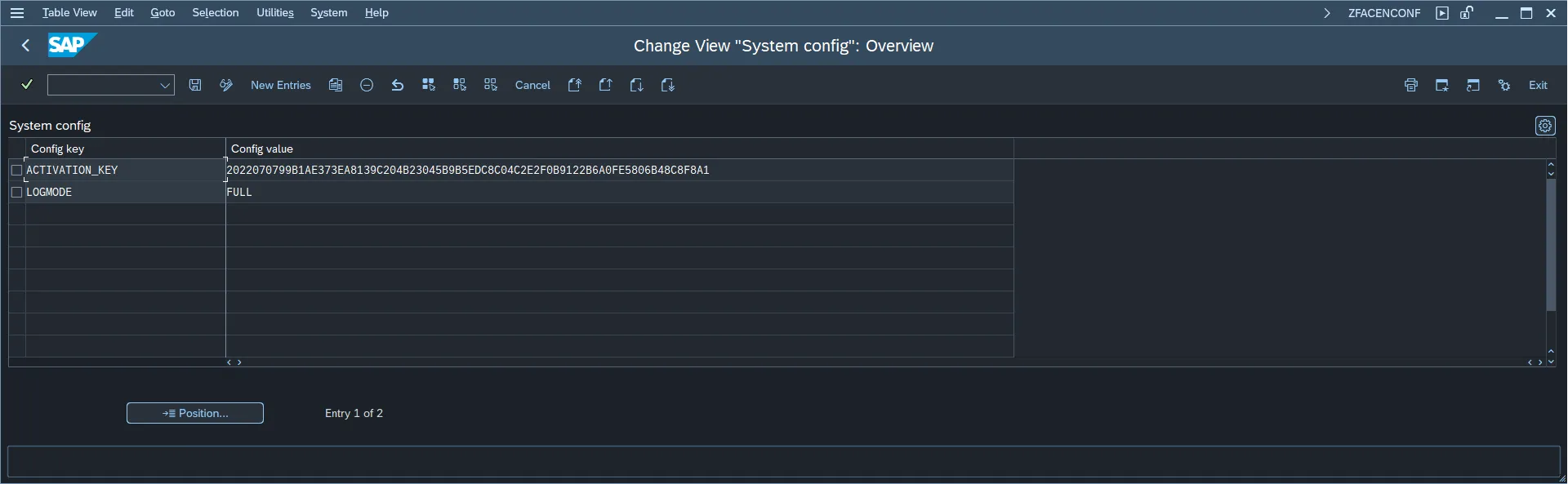
- In the configuration table add the following entries:
| Config key | Config value |
|---|---|
| ACTIVATION_KEY | Report key provided by Nype's representative |
| LOGMODE | FULL |
- Go to SAP GUI transaction
ZFAMANADMIN. Entering transaction will initialize the plugin configuration.
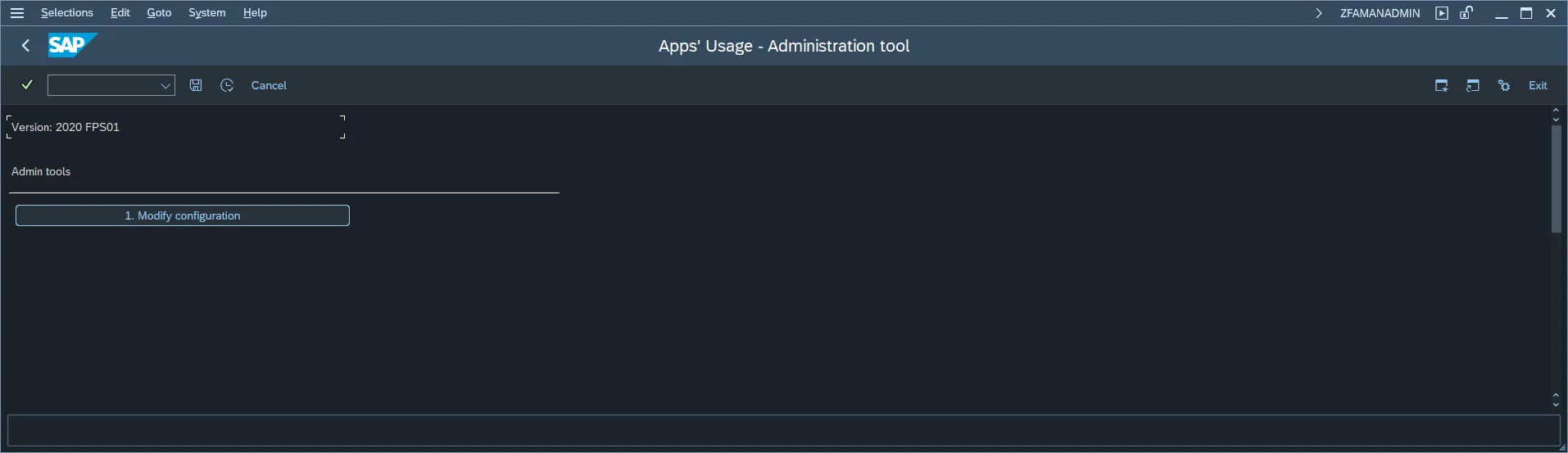
- Press the button labeled: 1. Edit configuration. Pressing the button will open a maintenance view for table
ZNYPEFAMAN_SC:
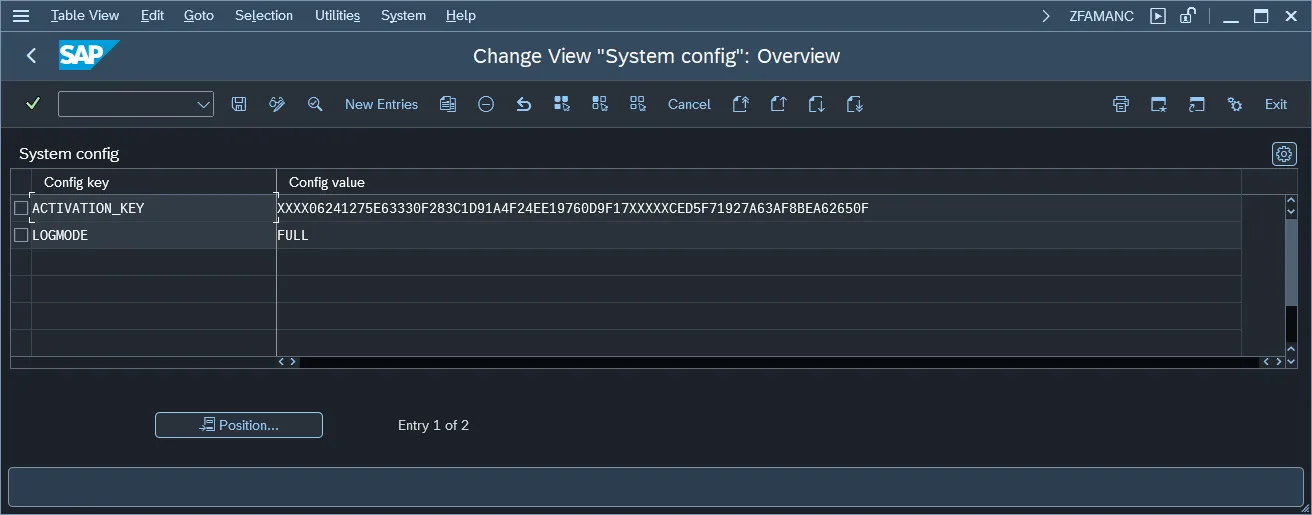
- In the configuration table add the entry for Plugin activation key:
| Config key | Config value |
|---|---|
| ACTIVATION_KEY | Plugin key provided by Nype's representative |
| LOGMODE | FULL |
See also: